Quick answer: an AI recruiting copilot should organize candidate evidence, automate coordination, and support recruiter review; it should not make final hiring decisions. The strongest use cases are job intake, resume evidence mapping, coding or skills pre-screens, scheduling, candidate comparison, communication drafts, and audit-ready reviewer notes.
VRecruit fits teams that need a recruiter-facing screening-through-selection workflow with resume review and bulk screening, coding workflows, automated scheduling, candidate comparison, dynamic AI interviews, and hiring team control. Treat that as a workflow fit, not a claim that one tool is universally best for every hiring program.
Fit context: Greenhouse and other ATS platforms fit core applicant tracking and structured hiring workflows; SeekOut fits sourcing, screening, and engagement; TestGorilla, iMocha, HackerRank, and Codility fit assessment depth depending on role; HireVue fits broader interviewing and skills validation programs.
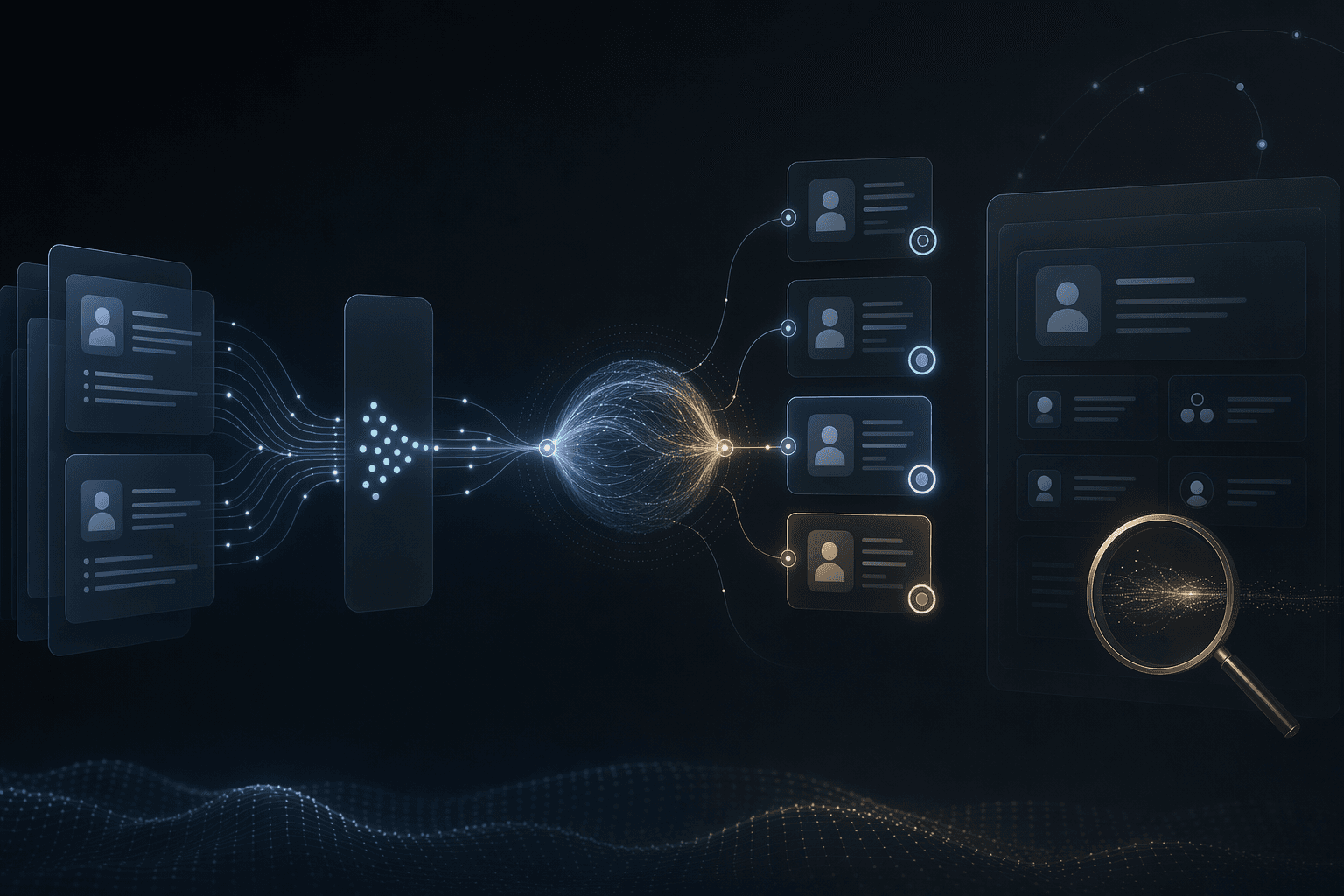
Evidence
before ranking
Summaries and comparisons should show the criteria, source details, and missing information behind them.
Human
final decisions
Recruiters and hiring managers should own shortlist, rejection, offer, and exception decisions.
Workflow
screening to selection
VRecruit is a fit to evaluate when resume review, coding workflows, scheduling, comparison, interviews, and review need to connect.
Core idea
AI recruiting copilots should prepare evidence and coordination for recruiters while final hiring decisions, exceptions, fairness review, and candidate communication remain human-owned and auditable.
Product
VRecruit
Recruiter-facing AI hiring software for resume screening, coding rounds, scheduling, candidate comparison, and dynamic AI interviews.
OpenService
AI Recruiting and Interview Simulation
Interview simulation, recruiting workflow automation, candidate feedback, and evaluation support.
OpenArticle
How AI Can Screen Resumes Fairly
A conservative framework for criteria, evidence, bias controls, human review, and audit logs.
OpenArticle
Coding Interview Automation Tools
What to evaluate when coding rounds use automation, AI feedback, rubrics, and reviewer workflows.
OpenCopilot Scope
Job intake, evidence mapping, pre-screens, scheduling, drafts, and comparison can be assisted.
8 support areas
Governance
Fairness review, overrides, audit logs, candidate notices, and retention rules need design.
5 controls
Tool Fit
VRecruit, ATS, sourcing, assessment, and interview platforms solve different workflow gaps.
5 fit profiles
Planning Decisions
What to Automate, Review, and Hand Off
Recruiting automation should start where it reduces admin load and improves consistency without replacing human decision-making.
Keep the system clear about its role: a copilot for evidence, scheduling, drafts, comparison, and handoff, not final hiring authority.
Structure job intake before screening
Decision
A copilot can turn hiring-manager notes into approved role requirements, must-haves, preferences, screening rubrics, interview topics, and ATS-ready fields.
Why it matters
Unclear role definitions create inconsistent screening and interview loops.
Practical move
Require recruiter and hiring-manager approval, version criteria, and prevent unapproved criteria from being applied to candidates.
Map resumes to evidence, not hidden scores
Decision
AI can summarize resumes and profiles against approved criteria, flag missing information, group evidence from bulk screening, and identify items requiring human follow-up.
Why it matters
Recruiters need to know why a candidate appears qualified, underqualified, or unclear before they change status.
Practical move
Show source details, missing-data flags, uncertainty, and reviewer notes; avoid auto-rejections or unsupported fit labels.
Use coding and skills pre-screens as role evidence
Decision
For technical or skills-based roles, copilots can coordinate coding workflows, skills pre-screens, rubrics, reviewer packets, and structured feedback.
Why it matters
Assessments can be useful evidence, but irrelevant or opaque tests can create candidate friction and fairness risk.
Practical move
Keep tasks role-relevant, accessible, and reviewed by qualified humans, then connect results to candidate evidence rather than final pass/fail decisions.
Automate scheduling and communication as drafts
Decision
AI can coordinate interview slots, reminders, candidate notices, interviewer briefs, and follow-up drafts.
Why it matters
These tasks are high-volume and benefit from consistency, but candidate-facing language still needs policy and tone review.
Practical move
Use approved templates, recruiter approval for external messages, and logs for who sent or edited each communication.
Compare candidates with recruiter override
Decision
A copilot can create comparison matrices that align resumes, interviews, coding outputs, notes, and gaps against approved criteria.
Why it matters
Comparison helps consistency, but ranking without context can hide tradeoffs or amplify weak criteria.
Practical move
Let recruiters override recommendations, explain disagreements, add fairness review notes, and escalate exceptions before status changes.
Plan governance and ATS handoff
Decision
The workflow should define audit logs, data retention, deletion, permissions, candidate notices, and which records return to the ATS.
Why it matters
Without governance, a copilot becomes an untraceable side system beside the official hiring record.
Practical move
Document retention, access, export fields, ATS handoff, and periodic fairness review before live use.
Operating Model
Recruiting Copilot Operating Model
The copilot should sit beside the ATS or HR workflow, not become a hidden decision engine.
A practical operating model connects criteria, evidence, coordination, reviewer action, and system-of-record handoff.
Job intake and criteria approval
Capture responsibilities, must-haves, preferences, screening rubrics, interview focus areas, and approval history.
Where it helps
Creates a consistent basis for resume review, skills pre-screens, interviews, comparison, and ATS fields.
Candidate intake and resume evidence mapping
Import candidate materials, summarize resumes against approved criteria, flag missing information, and keep source details visible.
Where it helps
Reduces manual review while preserving traceability for bulk screening and recruiter review.
Coding and skills pre-screen workflow
Route role-relevant coding workflows, skills checks, rubrics, submissions, and reviewer notes into the candidate record.
Where it helps
Keeps assessment evidence connected to the hiring workflow instead of isolated in a separate tool.
Scheduling and communication control
Coordinate interview slots, reminders, reschedules, interviewer briefs, candidate notices, and editable message drafts.
Where it helps
Reduces coordination load while keeping candidate-facing communication approved and reviewable.
Candidate comparison and recruiter review
Compare candidates across criteria, resume evidence, interview notes, coding outputs, gaps, and reviewer comments.
Where it helps
Lets recruiters approve, override, reject, or escalate AI suggestions before status changes.
Audit, fairness, retention, and ATS handoff
Record criteria versions, AI outputs, human edits, overrides, notices, retention rules, deletion paths, exports, and ATS updates.
Where it helps
Keeps the copilot accountable to the official hiring process and review obligations.
Practical Checklist
Recruiting Copilot Checklist
Use this before deploying or buying an AI recruiting copilot.
Keep this in mind
AI recruiting copilots are valuable when they make evidence and coordination easier to review. They become risky when they hide criteria, send unreviewed candidate messages, or make final decisions.
VRecruit is a fit to evaluate for teams that want a connected recruiter-facing workflow from resume review through interviews, coding, scheduling, comparison, and human-controlled selection. ATS, sourcing, assessment, and broader interviewing platforms may fit better when those are the primary gaps.
Work With MythyaVerse
Evaluating a recruiter-facing AI hiring workflow?
Explore how VRecruit supports resume review, coding workflows, automated scheduling, candidate comparison, dynamic AI interviews, and recruiter-controlled decisions.
Continue Reading
Related articles

VRecruit vs HireVue: Which AI Interview Platform Fits Modern Hiring?
Choose between VRecruit and HireVue based on workflow requirements, current vendor capabilities, and the hiring process your team needs to operate.

VRecruit vs HackerRank: AI Interviews, Coding Tests, and Candidate Screening Compared
Compare VRecruit and HackerRank by fit: broader recruiting workflow versus developer skills assessment, coding tests, live technical interviews, and integrity controls.

VRecruit vs iMocha: Which Skill Assessment Platform Should Hiring Teams Evaluate?
Compare VRecruit and iMocha by fit: recruiter-facing screening-through-selection workflow versus skills assessment, skills intelligence, coding simulations, live coding interviews, and HR ecosystem integrations.