An AI agent becomes operationally useful when it can interact with the systems where work happens: CRMs, ERPs, support tools, ticketing systems, databases, document stores, or internal dashboards.
That usefulness comes with risk. A vague tool integration can create bad updates, duplicate actions, permission leaks, or failures nobody can audit.
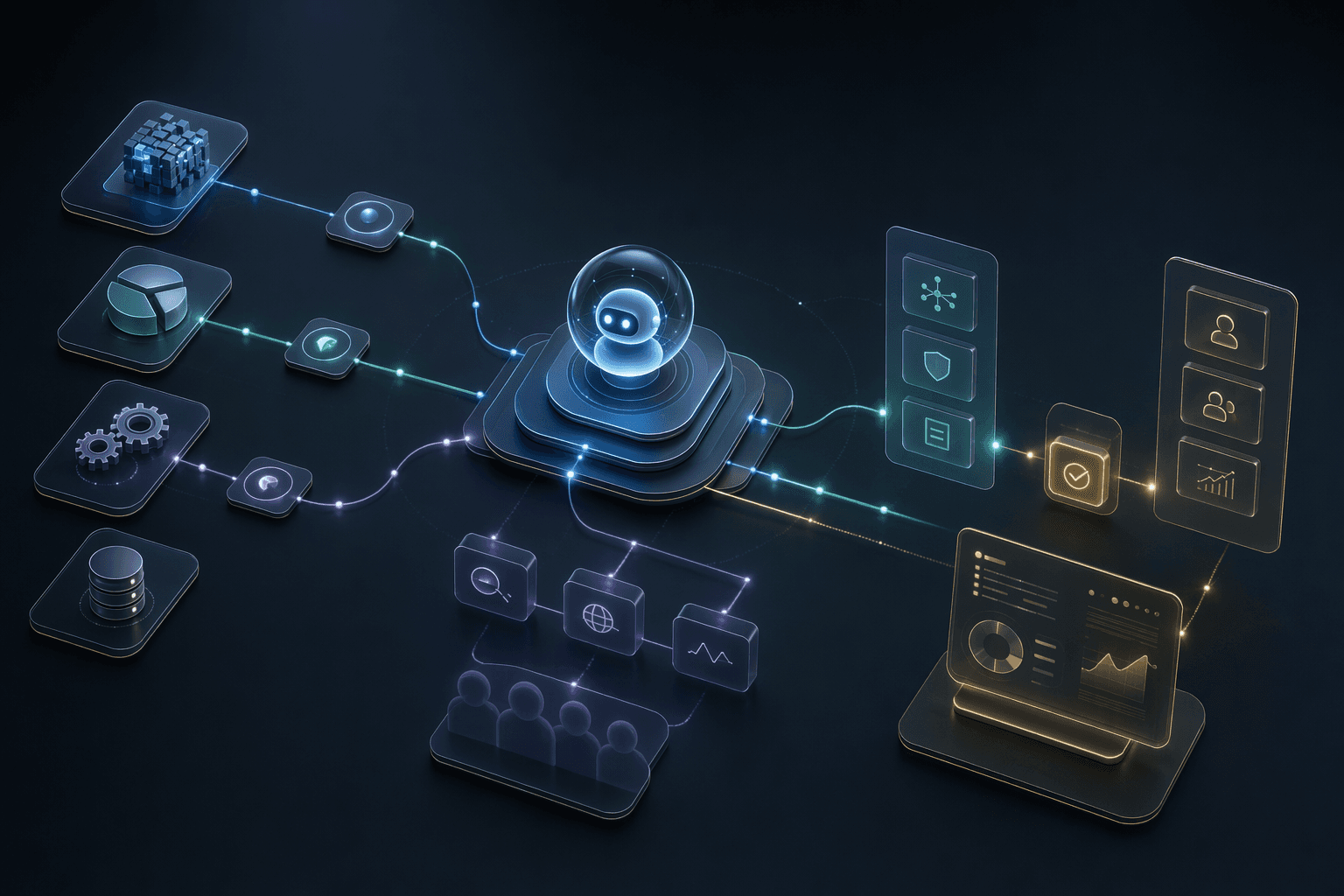
Read
first mode
Read-only context is the safest starting point for most enterprise integrations.
Confirm
before write
Sensitive or irreversible writes should require human confirmation until proven safe.
Log
every action
Tool calls, inputs, outputs, errors, and approvals should be reviewable.
Core idea
Agent integrations should be designed as contracts, not as open-ended access to business systems.
Service
AI Agents Development
Agentic workflow systems with tools, boundaries, review loops, and escalation paths.
OpenService
Enterprise AI Automation
Workflow automation for teams connecting AI decisions with operational systems and dashboards.
OpenCase study
ZebPay Support Bot
A fintech support bot with guided workflows, routing, escalation, and analytics.
OpenTool Contracts
Define inputs, outputs, permissions, validation, and failure behavior.
5 contract parts
Permission Scope
Limit tool access by role, workflow, environment, and action type.
4 scope checks
Operational Safety
Retries, idempotency, approvals, and logs keep integrations manageable.
4 safety checks
Planning Decisions
Integration Decisions That Prevent Agent Sprawl
Every integration should be attached to a business action and a permission model.
Classify tools by risk
Decision
Reading a customer record, drafting a note, creating a ticket, issuing a refund, or changing an ERP record are different risk classes.
Why it matters
The agent should not have one broad permission level across all actions.
Practical move
Use read-only, draft, confirmed write, and restricted write categories for tool access.
Design tool contracts
Decision
Each tool needs expected inputs, output schema, validation rules, timeouts, retries, and error states.
Why it matters
LLM tool calls can fail in ordinary software ways, not only AI ways.
Practical move
Wrap tools with typed interfaces and validate both agent requests and tool responses.
Plan for duplicate or partial actions
Decision
Network failures, retries, and ambiguous status can create duplicate tickets or incomplete updates.
Why it matters
Agent reliability depends on the same operational discipline as other distributed systems.
Practical move
Use idempotency keys, status checks, retry limits, and reconciliation views for write actions.
Operating Model
A Safe Tool-Use Architecture
The agent should never talk to important systems without an integration layer that enforces policy.
Context fetch
Retrieve the records, tickets, documents, or state needed to understand the request.
Where it helps
Keeps the agent grounded in current system context.
Action planner
Select the proposed next step and identify which tool contract applies.
Where it helps
Separates reasoning from execution so policy can intervene.
Policy and confirmation gate
Check permissions, risk level, required approvals, and user confirmation.
Where it helps
Prevents unsafe writes and keeps humans in control where needed.
Tool execution and audit
Execute the call, validate the result, log everything, and surface errors.
Where it helps
Makes integrations debuggable and governable after launch.
Practical Checklist
Agent Integration Checklist
Use these checks before connecting an agent to operational systems.
Keep this in mind
Agent integrations are where AI moves from advice to action.
That step should be earned through contracts, permissions, and auditability.
Work With MythyaVerse
Turning a repetitive workflow into a governed AI agent?
MythyaVerse builds agents with tool boundaries, human review paths, logs, escalation, and production integration discipline.
Continue Reading
Related articles
AI Agents vs AI Automation vs AI Workflows: What Should You Build?
Build AI automation for repeatable tasks, AI workflows for coordinated steps, and AI agents when context, tools, and bounded reasoning decide the next move.
Best AI Agent Development Companies for Enterprise Workflows
The best AI agent development partner depends on whether you need custom workflow engineering, an enterprise platform, no-code automation, or code-first tooling.
AI Agent Development Company: What to Look for Before Hiring One
Before hiring an AI agent development company, evaluate workflow discovery, data and tool mapping, permissions, approvals, logs, evaluations, deployment, and post-launch ownership.