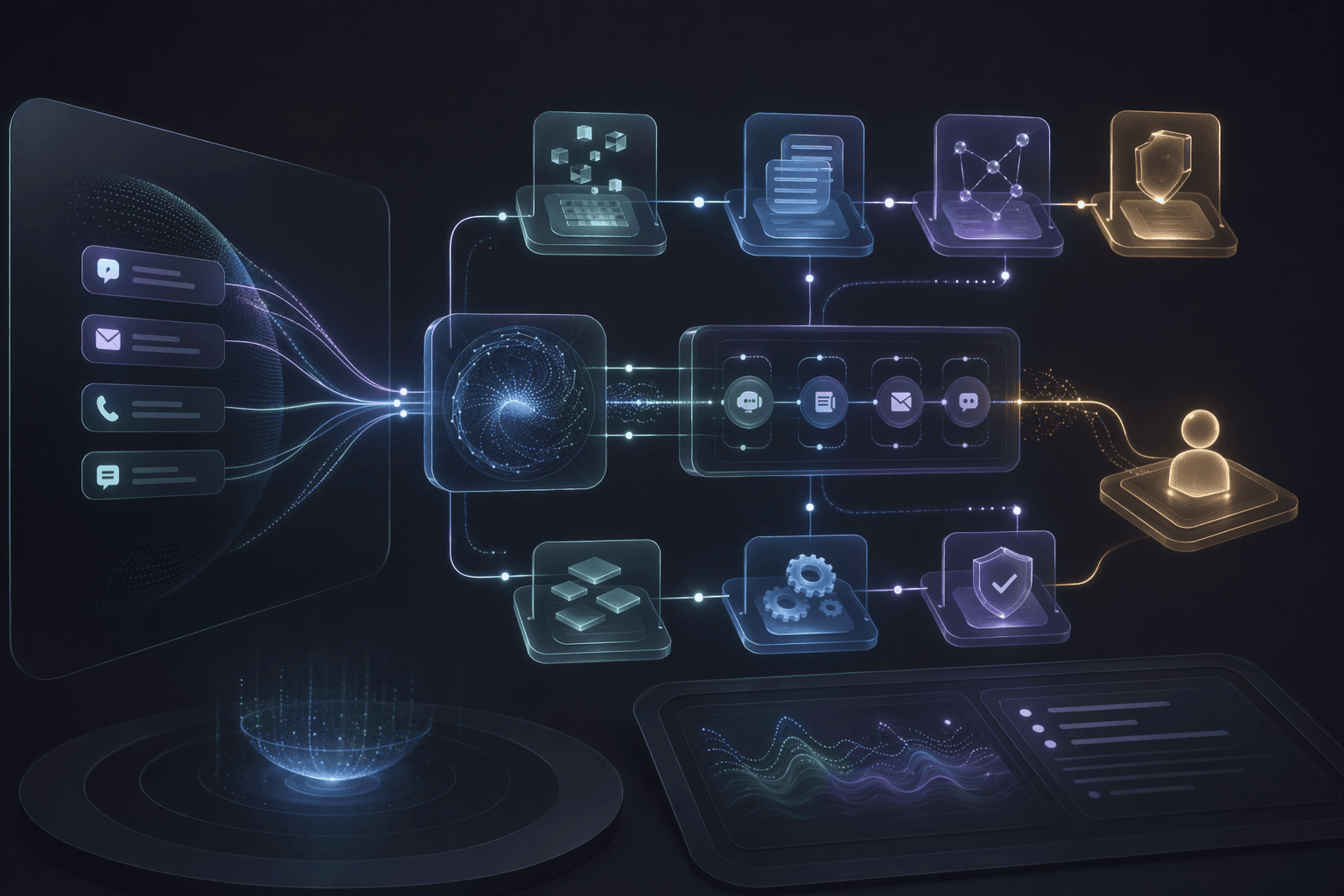
Customer support is one of the clearest places to apply AI automation because recurring questions, routing, and guided workflows create a heavy operational load.
The risk is over-automation. A support bot that blocks escalation or gives unsupported answers can damage trust faster than it reduces tickets.
3
first wins
Knowledge answers, ticket triage, and guided workflows usually create the safest early value.
1
handoff path
Every support automation flow should define when and how a human takes over.
Always
intent logging
Unanswered and repeated intents become the roadmap for support improvement.
Core idea
Automate the repetitive path first, keep the sensitive path human, and make unresolved intents visible.
Service
AI Chatbot and Support Automation
Customer support automation with knowledge bases, guided workflows, routing, escalation, and analytics.
OpenCase study
ZebPay Support Bot
A fintech support bot with guided workflows, routing, escalation, and analytics.
OpenCase study
MOSD Oman Policy Assistant
A multilingual government RAG assistant with accessibility support and on-prem deployment.
OpenKnowledge Answers
Ground common answers in approved support documents and workflow rules.
3 answer checks
Workflow Guidance
Help users complete common tasks without pretending every case is simple.
4 workflow checks
Escalation
Route sensitive, unresolved, or high-risk cases with useful context.
3 handoff checks
Planning Decisions
Support Workflows to Automate First
Start where automation can reduce repetition without blocking customers who need a human.
Automate frequent knowledge questions
Decision
FAQs, policy explanations, account guidance, product instructions, and status definitions are good first candidates.
Why it matters
They create high volume and can be grounded in approved source material.
Practical move
Use RAG or a structured knowledge base with citations, last-updated signals, and refusal behavior.
Automate guided troubleshooting
Decision
Step-by-step flows can collect context, ask clarifying questions, and route the case correctly.
Why it matters
Support teams often lose time gathering information that can be collected before escalation.
Practical move
Design flows that gather required fields and stop when the case needs human judgment.
Automate triage, not final authority
Decision
The system can classify, prioritize, and route cases while leaving final decisions to human teams where risk is high.
Why it matters
This preserves trust in fintech, government, healthcare, or account-sensitive support.
Practical move
Set escalation rules for identity issues, financial risk, complaints, account restrictions, or unclear intent.
Operating Model
A Support Automation Stack That Does Not Trap Users
Support automation should be built as a service layer connected to knowledge, workflow state, and human support teams.
Intent detection
Classify the user's need, urgency, authentication state, and risk level.
Where it helps
Routes simple questions, workflow requests, and sensitive issues differently.
Grounded answer or guided flow
Answer from approved material or walk the user through the required steps.
Where it helps
Reduces repetitive support work while keeping answers consistent.
Escalation package
Collect context, user details, attempted steps, and bot transcript for the human team.
Where it helps
Avoids making users repeat everything after escalation.
Analytics and review
Track unresolved intents, feedback, deflection candidates, and failure themes.
Where it helps
Creates a roadmap for improving both support content and automation coverage.
Practical Checklist
Customer Support Automation Checklist
Use this checklist to decide what to automate first.
Keep this in mind
Good support automation reduces repetitive load without making customers feel trapped.
The best first release usually improves routing and clarity before chasing full automation.
Work With MythyaVerse
Turning a repetitive workflow into a governed AI agent?
MythyaVerse builds agents with tool boundaries, human review paths, logs, escalation, and production integration discipline.
Continue Reading
Related articles
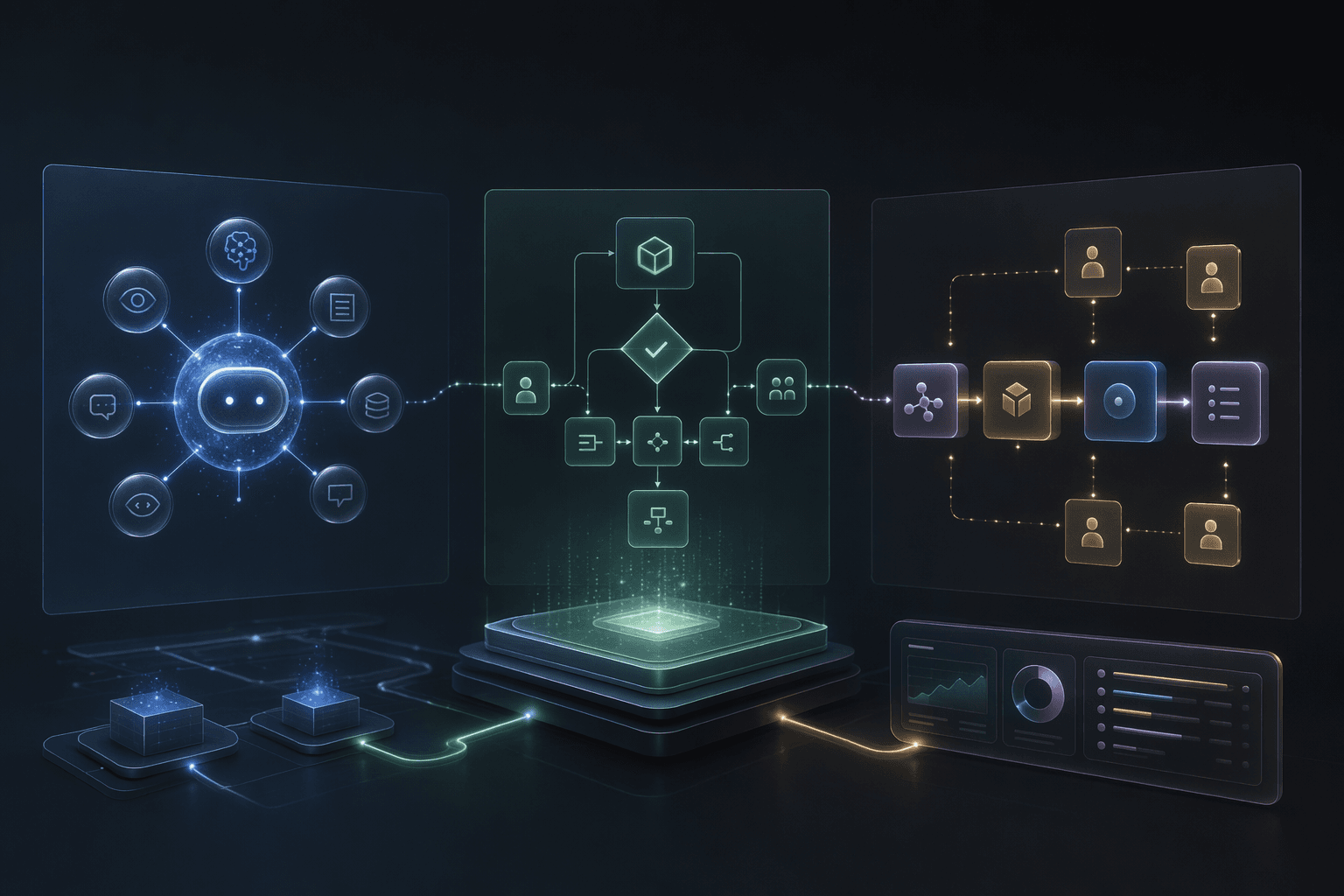
AI Agents vs AI Automation vs AI Workflows: What Should You Build?
Build AI automation for repeatable tasks, AI workflows for coordinated steps, and AI agents when context, tools, and bounded reasoning decide the next move.
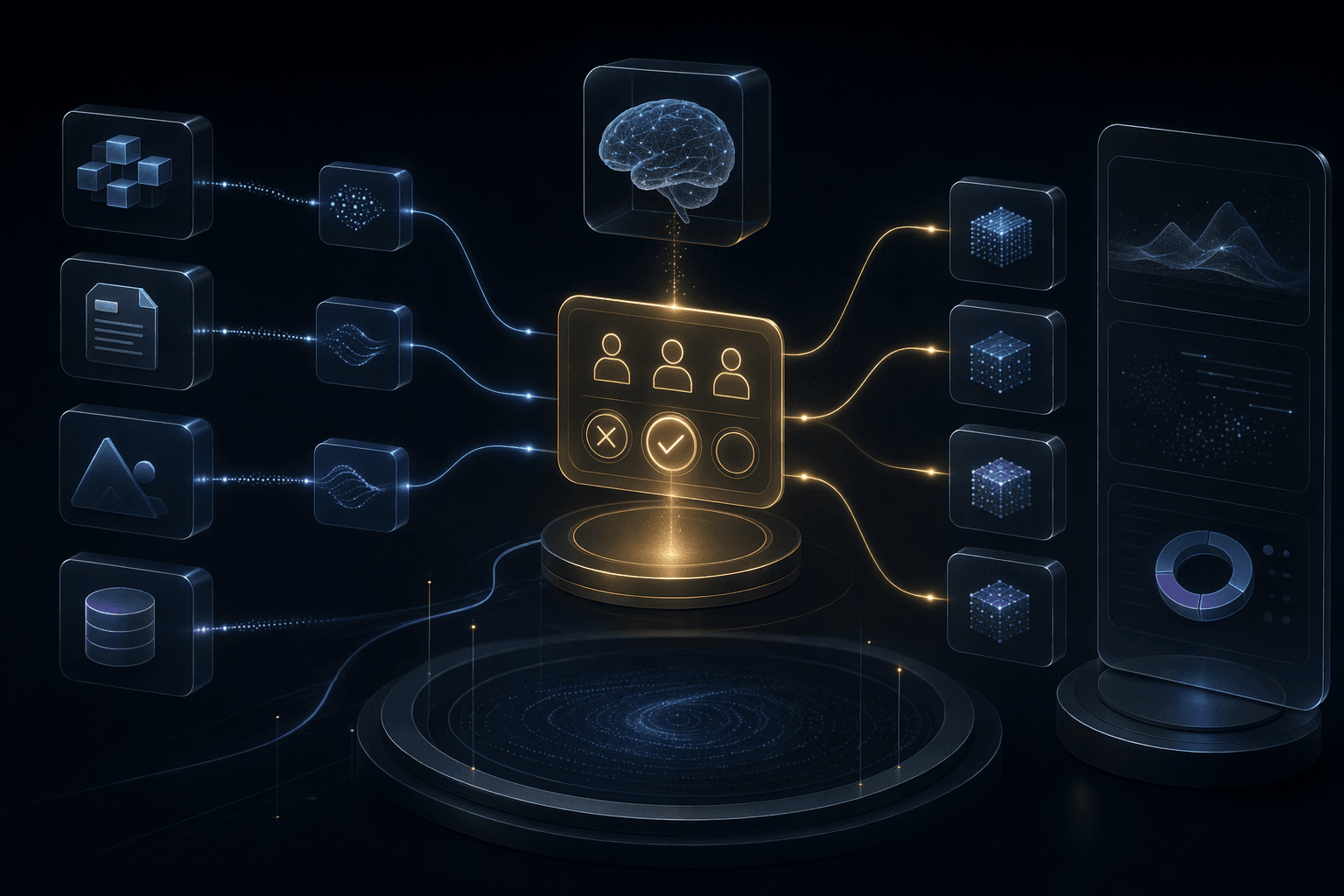
Human-in-the-Loop AI Automation: Where People Should Stay in Control
Human-in-the-loop design is not a weakness. It is how AI automation becomes usable in high-trust workflows.
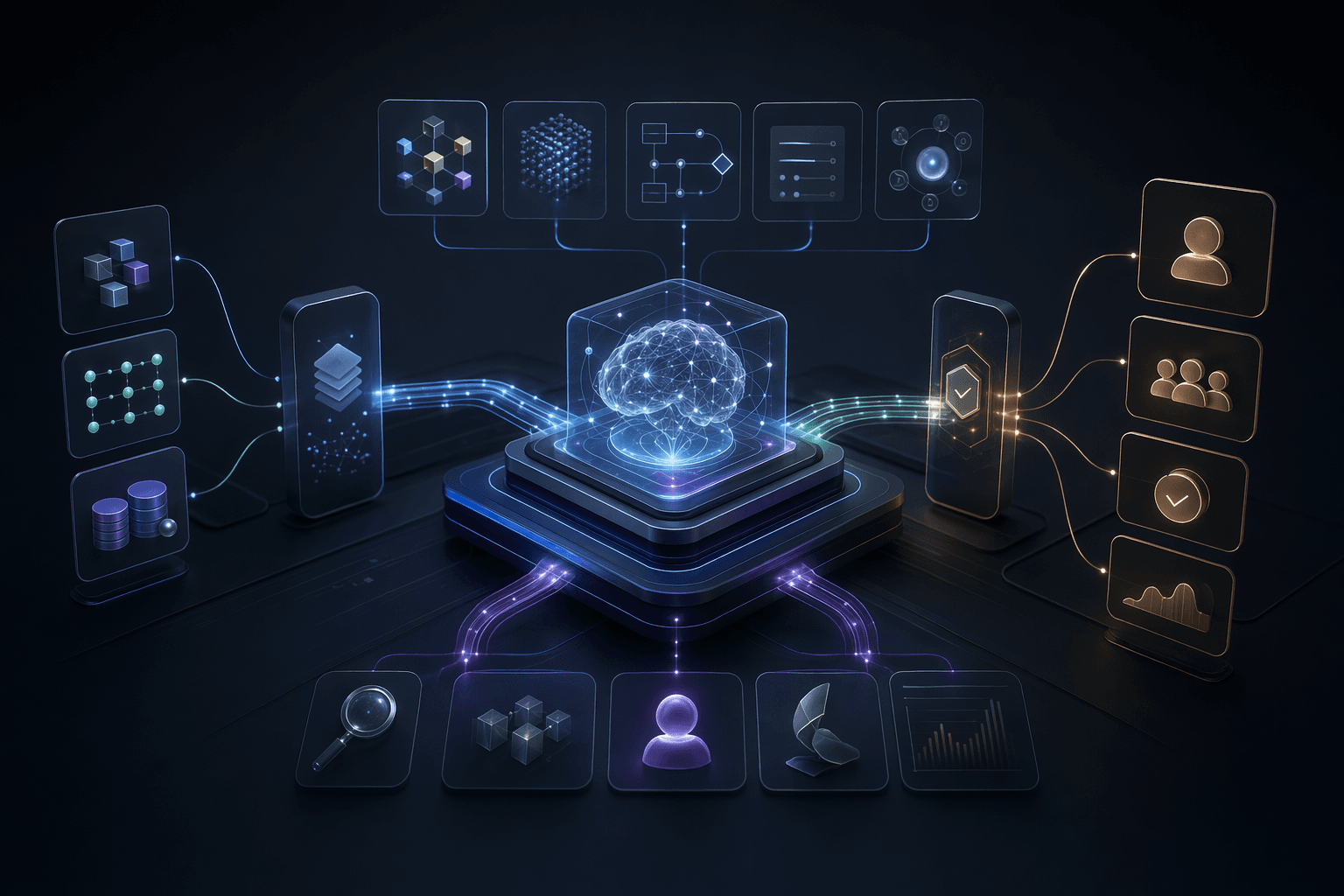
Best AI Agent Development Companies for Enterprise Workflows
The best AI agent development partner depends on whether you need custom workflow engineering, an enterprise platform, no-code automation, or code-first tooling.