Human-in-the-loop AI is often described as a temporary compromise until automation improves. In many enterprise workflows, it is the right design choice permanently.
People should stay in control where decisions are sensitive, consequences are hard to reverse, or the system needs expert judgment that cannot be reduced to a confidence score.
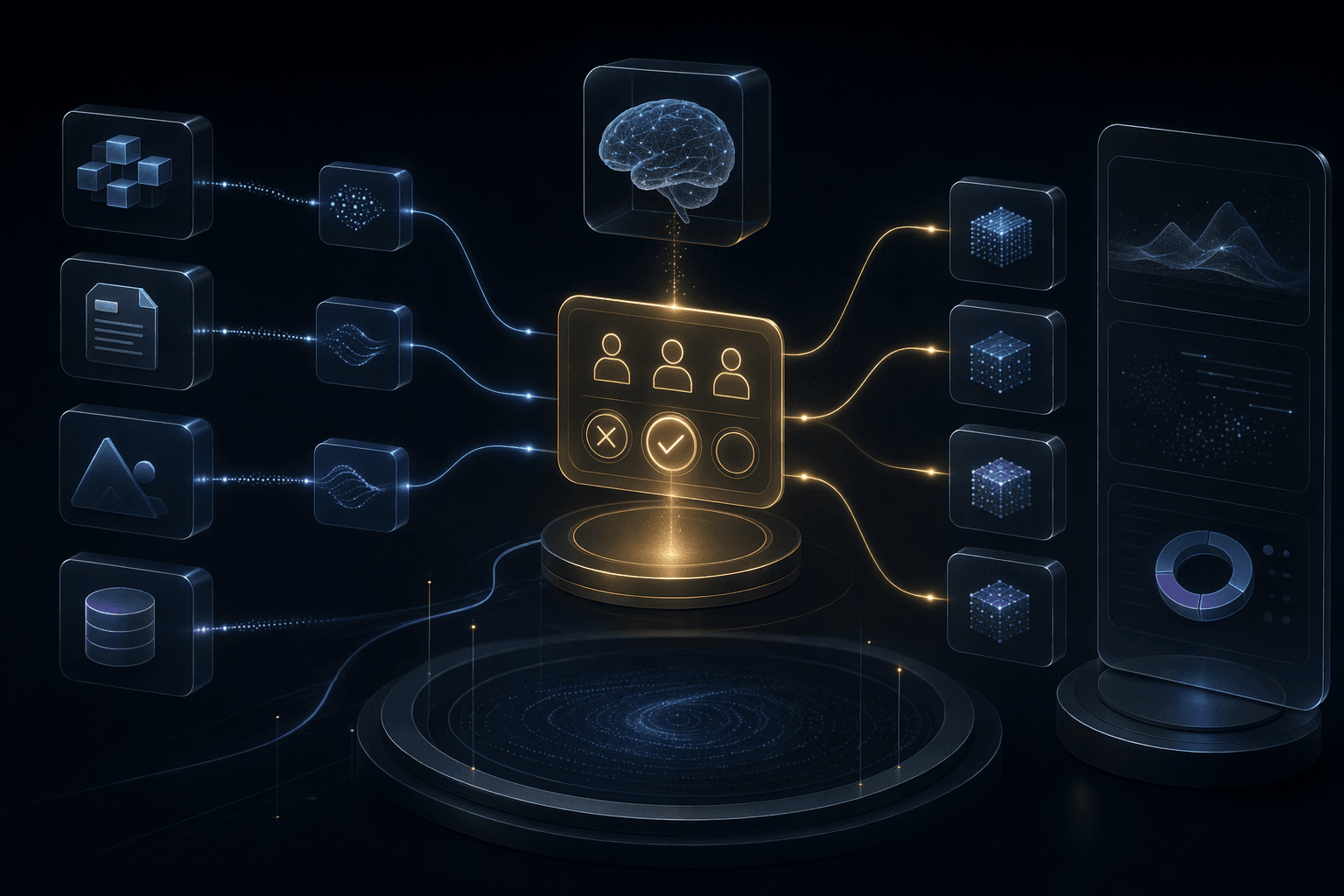
4
review triggers
Risk, confidence, novelty, and user impact are common reasons to pause for human judgment.
2
automation modes
Suggest-and-approve and act-with-exception-review serve different workflows.
1
audit trail
Human decisions should be logged alongside AI recommendations and source context.
Core idea
Human review should be placed by risk, not sprinkled everywhere or removed everywhere.
Service
Enterprise AI Automation
Workflow automation for teams connecting AI decisions with operational systems and dashboards.
OpenService
AI Agents Development
Agentic workflow systems with tools, boundaries, review loops, and escalation paths.
OpenService
AI Chatbot and Support Automation
Customer support automation with knowledge bases, guided workflows, routing, escalation, and analytics.
OpenRisk Gates
Review should trigger when the action is sensitive, novel, or hard to reverse.
4 trigger types
Reviewer UX
Humans need context, evidence, and clear approve-edit-reject options.
3 UX needs
Learning Loop
Corrections should improve policy, prompts, retrieval, and workflow rules.
4 feedback paths
Planning Decisions
Where Humans Should Stay in the Loop
The goal is not to slow automation. The goal is to put human judgment where it creates safety, trust, and better data.
Review irreversible actions
Decision
Refunds, account changes, compliance responses, hiring decisions, medical guidance, and government service outcomes need stronger control.
Why it matters
Bad automation in high-impact workflows can create user harm and operational cleanup.
Practical move
Use approval gates and restrict direct action until the workflow has enough reviewed history.
Review low-confidence or novel cases
Decision
Automation should pause when evidence is weak, intent is unclear, or the case falls outside known patterns.
Why it matters
These cases often become the examples that reveal new product requirements.
Practical move
Route exceptions into a review queue with reason codes and source context.
Review policy updates
Decision
When source documents, workflow rules, or prompts change, automation behavior can shift.
Why it matters
A previously safe workflow can become risky after content or policy updates.
Practical move
Run regression examples and require owner approval for policy-sensitive changes.
Operating Model
Human Review as a Product Layer
Human review should be designed into the workflow, not added as a manual spreadsheet after launch.
AI recommendation
Generate the suggested answer, classification, action, or next step with supporting evidence.
Where it helps
Gives reviewers a starting point while preserving visibility into the AI reasoning path.
Risk routing
Decide whether the output can proceed, needs confirmation, or requires full review.
Where it helps
Applies review only where it is needed.
Reviewer workspace
Show source context, proposed output, confidence indicators, and approve-edit-reject actions.
Where it helps
Makes review fast enough to fit real operations.
Feedback and audit
Record reviewer decisions, corrections, reasons, and final outcome.
Where it helps
Turns human judgment into improvement data and governance evidence.
Practical Checklist
Human-in-the-Loop Checklist
Use this checklist to design review paths deliberately.
Keep this in mind
Human-in-the-loop design makes automation more credible, not less advanced.
It lets AI do the repetitive work while keeping people accountable for judgment.
Work With MythyaVerse
Turning a repetitive workflow into a governed AI agent?
MythyaVerse builds agents with tool boundaries, human review paths, logs, escalation, and production integration discipline.
Continue Reading
Related articles
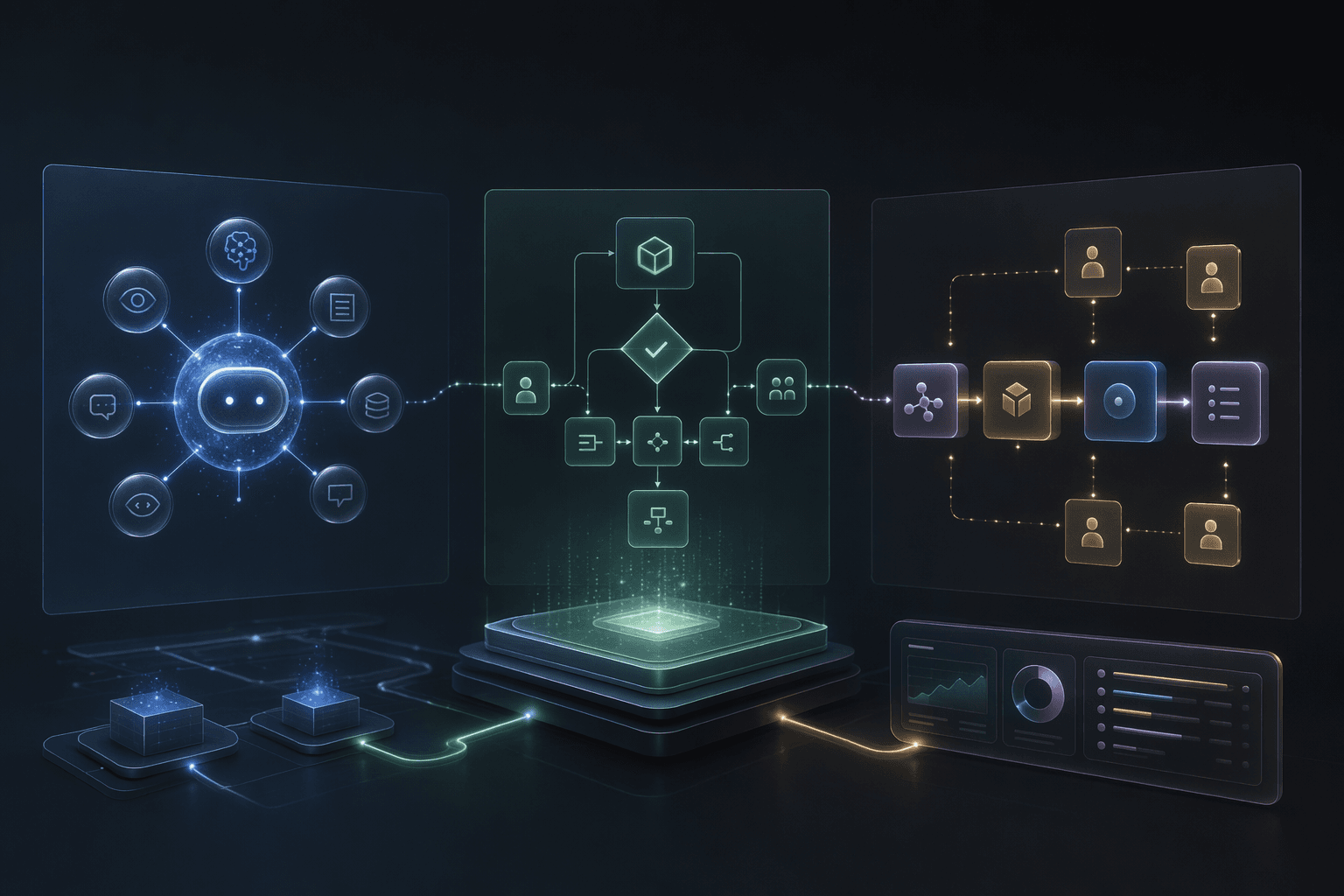
AI Agents vs AI Automation vs AI Workflows: What Should You Build?
Build AI automation for repeatable tasks, AI workflows for coordinated steps, and AI agents when context, tools, and bounded reasoning decide the next move.

AI Agents for Enterprise Workflows: A Practical Build Guide
Enterprise AI agents become useful when they are scoped around a workflow, connected to the right tools, and governed by human review.
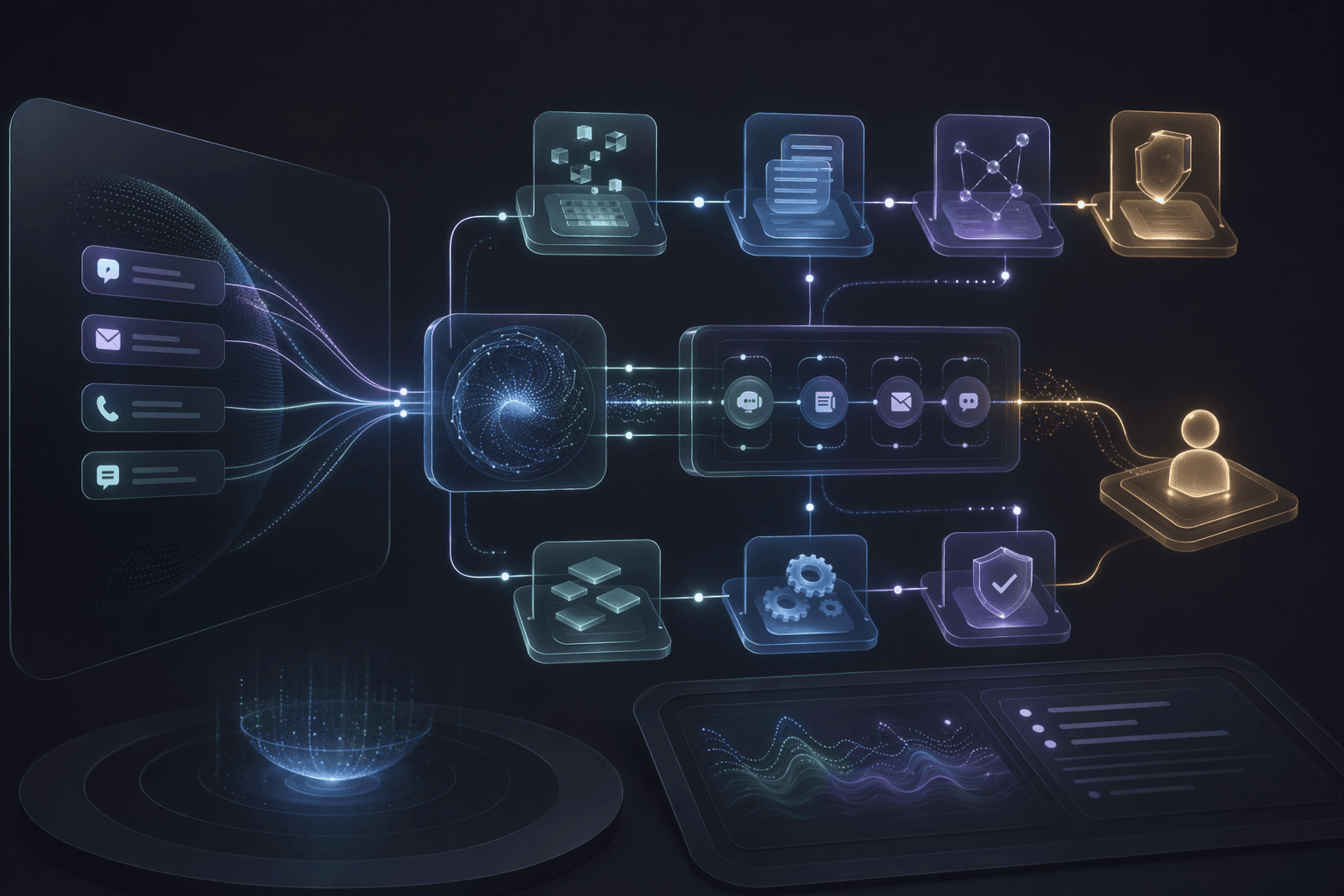
AI Automation for Customer Support: What to Automate First
Support automation should start with repetitive, well-bounded workflows and keep escalation clear for sensitive or unresolved cases.