Virtual labs can expand access to equipment, procedures, and scientific observation, but they should not be built as generic 3D classrooms.
The strongest virtual labs identify the experiment or procedure students need to practice, then design interaction, feedback, and instructor review around that goal.
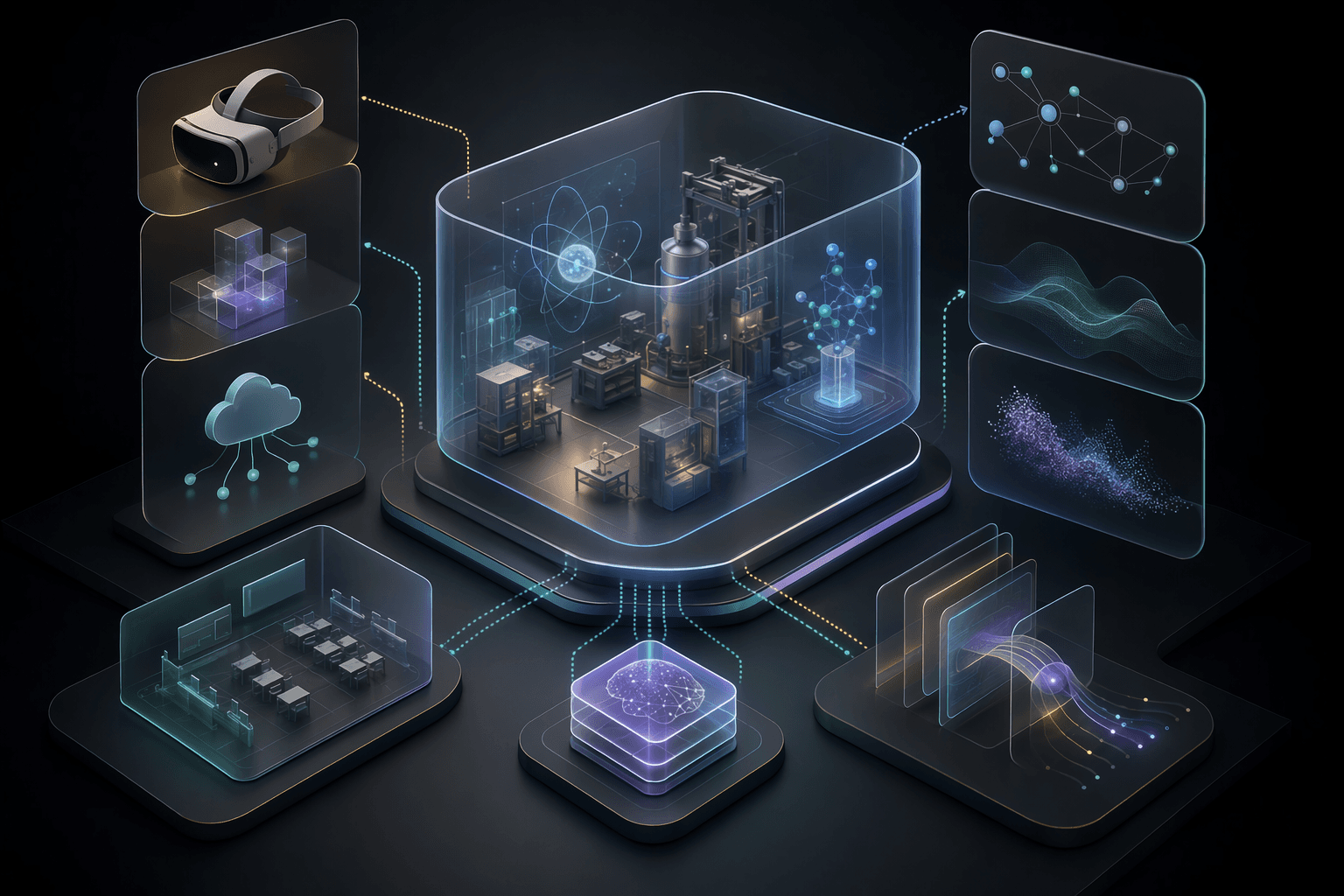
1
lab objective
Each module should focus on a specific experiment, procedure, or observation skill.
Repeat
practice loop
Students should be able to revisit steps and learn from mistakes safely.
Review
assessment path
Instructors need ways to connect virtual activity to learning outcomes.
Core idea
A virtual lab is valuable when it improves access to practice, not when it merely digitizes a lab manual.
Service
XR Training Simulations
VR, MR, and immersive training systems for education, employee engagement, and simulated practice.
OpenCase study
IIT Kanpur Virtual Microscopy Lab
A VR virtual lab example for practical education where access, practice, and repeatability matter.
OpenCase study
Mixed Reality Engineering Labs
An immersive engineering education case study focused on MR lab experiences.
OpenCurriculum
The lab should align with a specific module, skill, or assessment need.
3 curriculum checks
Simulation
Interactions should model the important decision points and observations.
4 simulation checks
Access
Rollout should account for devices, accessibility, facilitator load, and support.
4 access checks
Planning Decisions
What Makes a Virtual Lab Worth Building
Virtual labs are strongest when physical access, safety, cost, scale, or repeatability is a real constraint.
Choose the right lab activity
Decision
Good candidates include procedures that are hard to access, expensive, unsafe, time-limited, or difficult to repeat physically.
Why it matters
A virtual lab should solve an educational access or practice problem.
Practical move
Prioritize modules where simulation changes student opportunity or understanding.
Model the important decisions
Decision
Students should not only watch a process. They should make choices, observe outcomes, and correct mistakes.
Why it matters
Interactivity is what separates a virtual lab from a video.
Practical move
Define learner actions, system responses, feedback, and consequences for each step.
Connect to instructor assessment
Decision
Virtual labs need a way for instructors to see completion, mistakes, reflection, or performance.
Why it matters
Without assessment linkage, virtual labs become optional media rather than coursework.
Practical move
Add progress states, activity summaries, reflection prompts, or exportable review artifacts.
Operating Model
A Virtual Lab Build Model
A virtual lab is a combination of curriculum, simulation, UX, and operations.
Curriculum and lab mapping
Identify the module, learning objective, procedure, assessment, and constraints.
Where it helps
Keeps the virtual lab tied to real education needs.
Simulation design
Model equipment, steps, observations, errors, and learner choices.
Where it helps
Turns passive content into active practice.
Learner and instructor UX
Design instructions, feedback, progress, review, and accessibility paths.
Where it helps
Makes the lab usable in real classroom conditions.
Pilot and content maintenance
Test with students, gather instructor feedback, and update modules over time.
Where it helps
Prevents virtual labs from becoming stale or disconnected from the course.
Practical Checklist
Virtual Lab Planning Checklist
Use this before selecting a virtual lab module.
Keep this in mind
A good virtual lab does not replace every physical experience.
It gives students more chances to practice the parts that are otherwise hard to access, repeat, or visualize.
Work With MythyaVerse
Planning an immersive training system with real rollout constraints?
We help teams design VR, MR, and WebXR experiences around learning goals, hardware realities, repeatable practice, and measurable adoption.
Continue Reading
Related articles
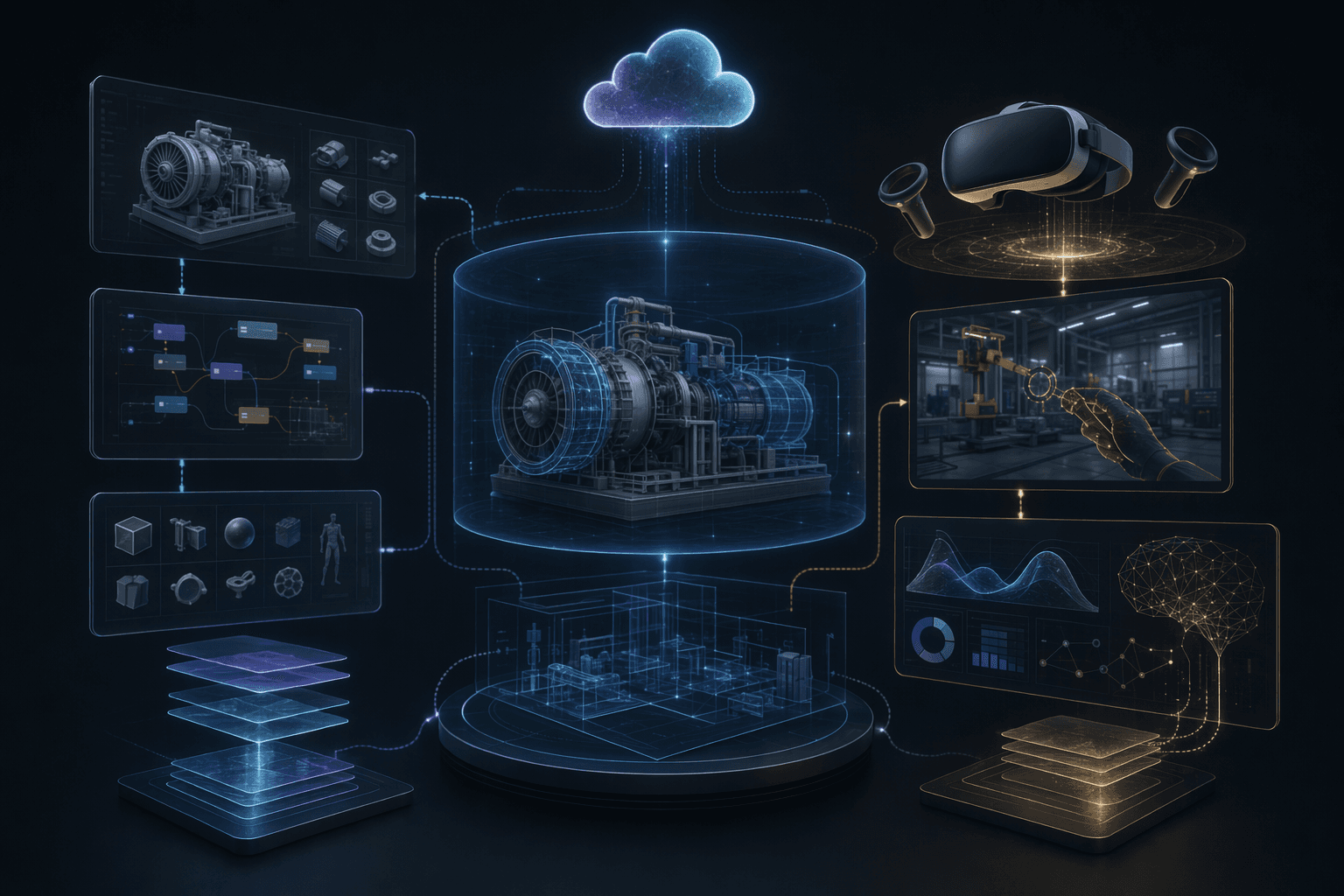
VR Training Simulation Development: A Practical Guide
A VR training simulation succeeds when the scenario, practice loop, device plan, and rollout model are designed around the learner's job.
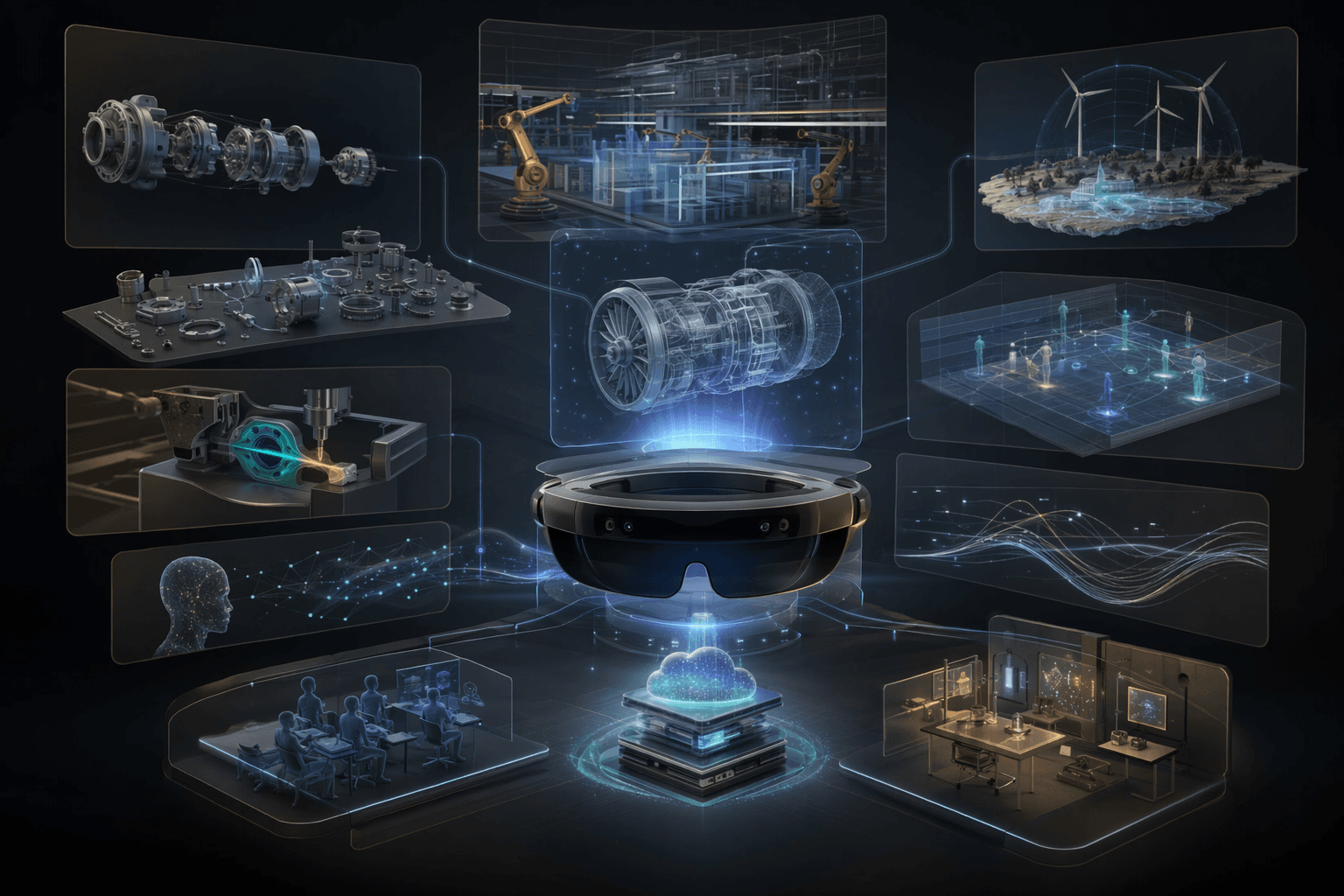
Mixed Reality Labs for Engineering Education
Mixed reality labs work when they make abstract engineering concepts spatial, interactive, and repeatable without replacing instructor judgment.
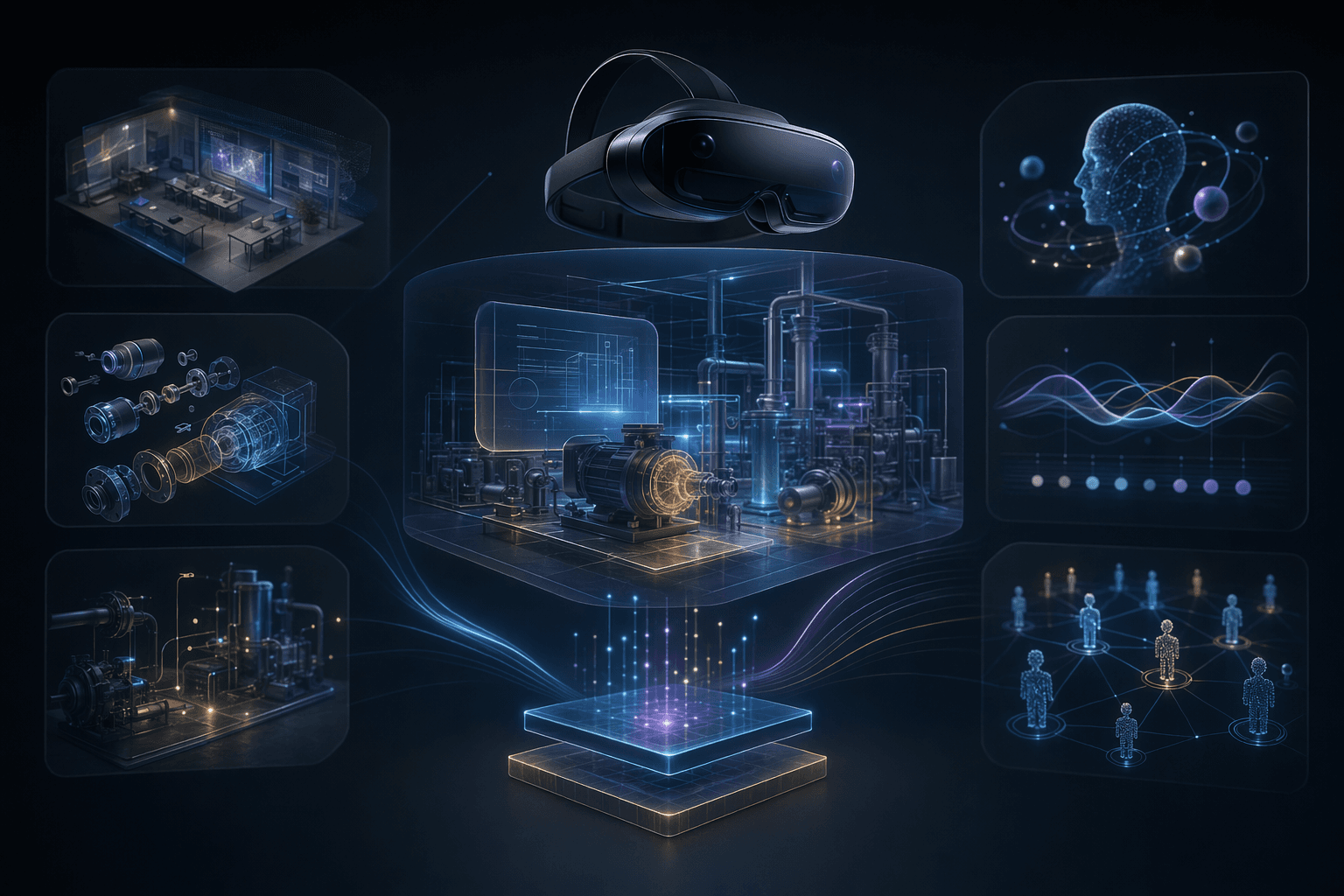
XR for Employee Training and Engagement
XR employee programs work when they give teams a reason to practice, collaborate, or engage in ways ordinary screens cannot support well.