XR can support employee training and engagement when teams need shared presence, simulated practice, or memorable participation. It is less useful when it simply recreates a slide deck in 3D.
The best programs start by asking what employees should do differently after the experience.
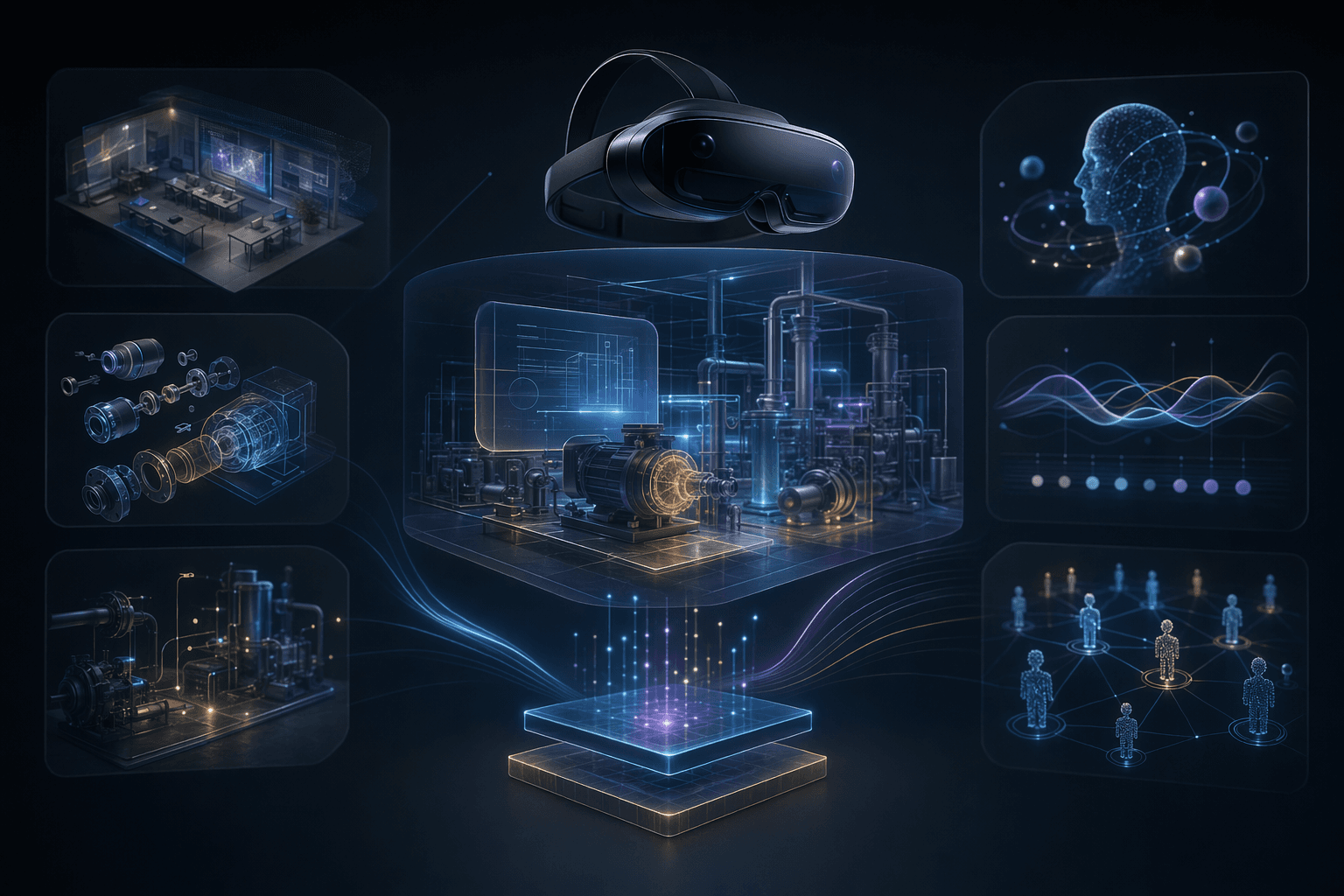
3
use cases
Onboarding, skills practice, and engagement events are common starting points.
One
participation goal
The program should define what employees should complete, learn, or share.
Pilot
adoption test
A small cohort reveals comfort, access, and facilitation needs.
Core idea
Use XR where presence, practice, or shared interaction changes the employee experience.
Service
XR Training Simulations
VR, MR, and immersive training systems for education, employee engagement, and simulated practice.
OpenCase study
VR Voyage
An employee engagement VR experience that shows how immersive systems can support participation.
OpenCase study
Enterprise Metaverse Platform
A web, mobile, and VR platform case study for persistent immersive spaces and multiplayer interaction.
OpenTraining Fit
XR is useful when practice benefits from immersion, repetition, or spatial context.
3 fit checks
Engagement Fit
XR can create shared participation when the experience has a clear activity.
3 engagement checks
Rollout Fit
Access, hardware, facilitation, and measurement shape adoption.
4 rollout checks
Planning Decisions
Where XR Makes Employee Programs Better
XR should be used when the experience benefits from being embodied, shared, or simulated.
Use XR for practice
Decision
Safety drills, customer conversations, equipment tasks, or procedural training can benefit from repeatable simulation.
Why it matters
Practice quality is easier to justify than novelty.
Practical move
Define the scenario, learner decisions, feedback, and completion evidence.
Use XR for shared engagement
Decision
Virtual events, team challenges, onboarding worlds, or cultural experiences can help distributed teams participate together.
Why it matters
Engagement experiences need a reason for people to interact, not only a place to stand.
Practical move
Design tasks, roles, progression, and facilitation into the experience.
Avoid XR for passive content
Decision
If the experience is mostly reading, watching, or clicking through slides, ordinary web or video may be better.
Why it matters
Forcing passive content into XR increases friction without improving outcomes.
Practical move
Choose XR only when presence, spatial context, or interaction is part of the value.
Operating Model
An Employee XR Program Model
A sustainable XR program considers content, access, facilitation, and measurement together.
Program objective
Define whether the experience is training, onboarding, engagement, collaboration, or assessment.
Where it helps
Keeps the build aligned with a business or learning outcome.
Experience design
Create scenarios, activities, interactions, progression, feedback, and facilitator moments.
Where it helps
Turns a virtual space into a purposeful employee experience.
Access and device plan
Decide whether employees use headsets, web, mobile, desktop, or shared kiosks.
Where it helps
Reduces rollout friction and supports participation at scale.
Measurement and iteration
Track completion, feedback, practice quality, comfort, and adoption barriers.
Where it helps
Shows whether the program should expand, change, or stop.
Practical Checklist
Employee XR Checklist
Use these questions before investing in an XR employee program.
Keep this in mind
XR employee programs work when they are designed as useful experiences, not only immersive venues.
When the activity matters, the medium can create stronger memory, participation, and practice.
Work With MythyaVerse
Planning an immersive training system with real rollout constraints?
We help teams design VR, MR, and WebXR experiences around learning goals, hardware realities, repeatable practice, and measurable adoption.
Continue Reading
Related articles
VR Training Simulation Development: A Practical Guide
A VR training simulation succeeds when the scenario, practice loop, device plan, and rollout model are designed around the learner's job.
Mixed Reality Labs for Engineering Education
Mixed reality labs work when they make abstract engineering concepts spatial, interactive, and repeatable without replacing instructor judgment.
How to Build a Virtual Lab for Education
A virtual lab should let students practice a concept or procedure that is hard to access, repeat, or visualize in ordinary classroom settings.