A VR training simulation is not a 3D video. It is a practice environment where a learner can make decisions, receive feedback, and repeat a scenario safely.
The strongest projects begin with the training objective, not the headset. Hardware matters, but learning design decides whether the experience changes behavior.
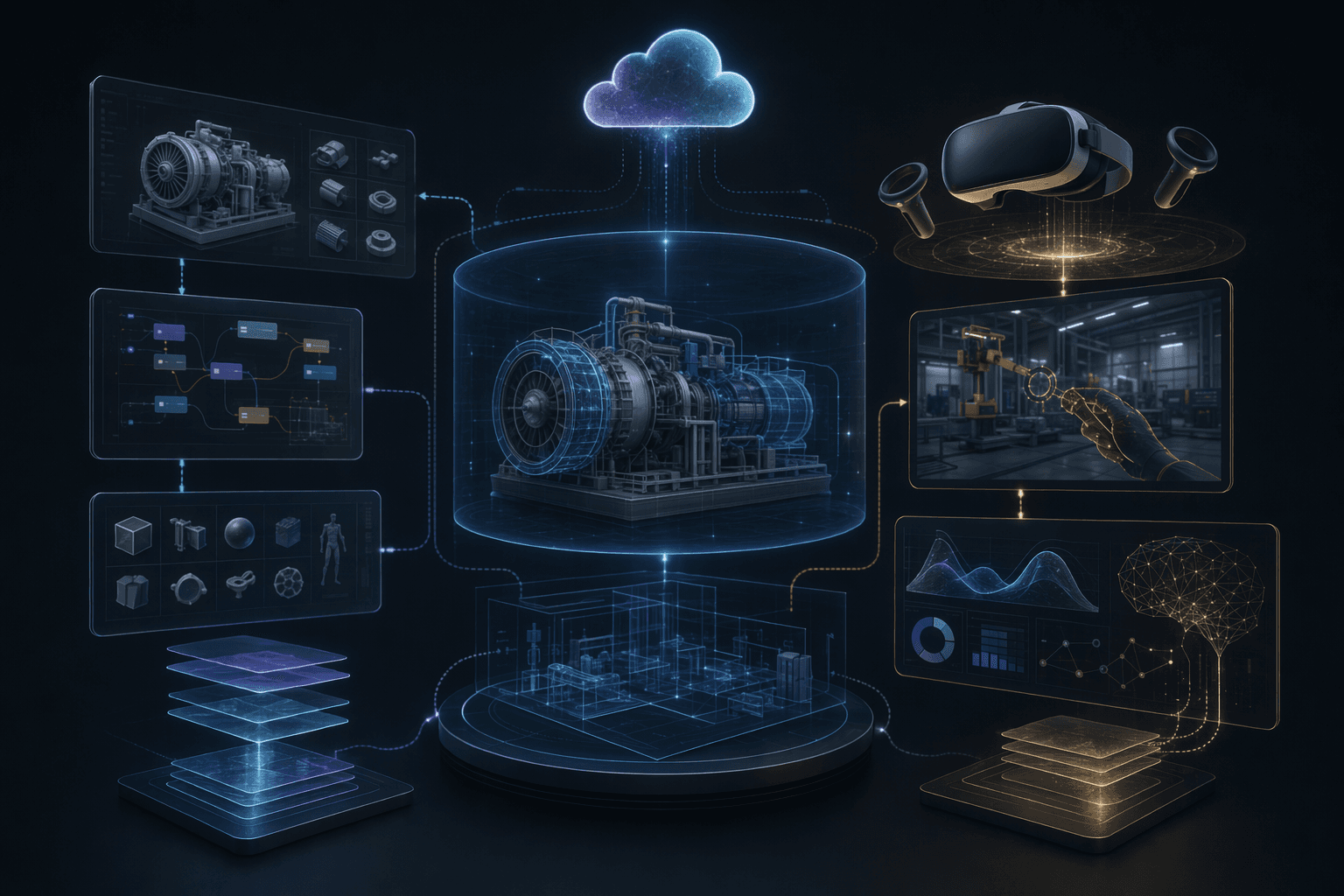
1
training job
Every simulation should map to a specific skill, task, or decision pattern.
3
design layers
Scenario, interaction, and feedback layers determine training value.
Pilot
before scale
Device comfort, instruction clarity, and facilitator needs should be tested before rollout.
Core idea
Build VR training around repeatable practice and feedback, not around visual spectacle alone.
Service
XR Training Simulations
VR, MR, and immersive training systems for education, employee engagement, and simulated practice.
OpenCase study
IIT Kanpur Virtual Microscopy Lab
A VR virtual lab example for practical education where access, practice, and repeatability matter.
OpenCase study
VR Voyage
An employee engagement VR experience that shows how immersive systems can support participation.
OpenLearning Goal
Define the behavior or decision the simulation should improve.
3 goal checks
Scenario Design
Turn real constraints into repeatable, safe, interactive practice.
4 scenario checks
Rollout
Plan hardware, facilitation, analytics, and content updates early.
4 rollout checks
Planning Decisions
What to Decide Before Building a VR Training Simulation
The most expensive VR mistake is building a beautiful environment before defining what the learner needs to practice.
Define the skill, not only the scene
Decision
The simulation should train a decision, movement, procedure, observation, or communication pattern.
Why it matters
A visually rich scene without a learning job becomes a walkthrough, not training.
Practical move
Write the learning objective as a behavior the learner can perform and be evaluated on.
Choose the right device path
Decision
Native VR, standalone headsets, WebXR, desktop 3D, or tablet experiences each serve different rollout needs.
Why it matters
The wrong device choice can limit adoption even if the simulation is well designed.
Practical move
Choose hardware based on audience, setup time, budget, maintenance, and where training happens.
Design feedback into the loop
Decision
Learners need cues, scoring, review, or debriefs that connect actions to outcomes.
Why it matters
Without feedback, practice does not reliably produce learning.
Practical move
Define what the system observes, what it tells the learner, and what instructors can review.
Operating Model
A VR Training Development Model
A useful simulation combines learning design with production engineering.
Training objective
Identify the skill, learner, environment, success criteria, and constraints.
Where it helps
Keeps the project anchored to measurable practice instead of generic immersion.
Scenario and interaction design
Create the situation, choices, objects, movement, prompts, and feedback.
Where it helps
Turns content into an interactive practice loop.
Simulation build
Develop 3D assets, logic, input handling, device support, and performance optimization.
Where it helps
Makes the experience comfortable and reliable on target hardware.
Pilot and rollout
Test with learners, refine instruction, collect feedback, and prepare facilitators.
Where it helps
Finds adoption issues before organization-wide deployment.
Practical Checklist
VR Training Simulation Checklist
Use this list before greenlighting a VR training build.
Keep this in mind
VR training works best when it turns difficult practice into repeatable experience.
The value is not the headset. The value is the practice loop the headset makes possible.
Work With MythyaVerse
Planning an immersive training system with real rollout constraints?
We help teams design VR, MR, and WebXR experiences around learning goals, hardware realities, repeatable practice, and measurable adoption.
Continue Reading
Related articles
How to Build a Virtual Lab for Education
A virtual lab should let students practice a concept or procedure that is hard to access, repeat, or visualize in ordinary classroom settings.
Mixed Reality Labs for Engineering Education
Mixed reality labs work when they make abstract engineering concepts spatial, interactive, and repeatable without replacing instructor judgment.
XR for Employee Training and Engagement
XR employee programs work when they give teams a reason to practice, collaborate, or engage in ways ordinary screens cannot support well.