XR stack decisions shape the whole product: who can access it, how it performs, what devices it supports, and how hard it is to maintain.
WebXR, Unity WebGL, and native VR apps can all be right. The decision should start with audience and experience needs, not developer preference alone.
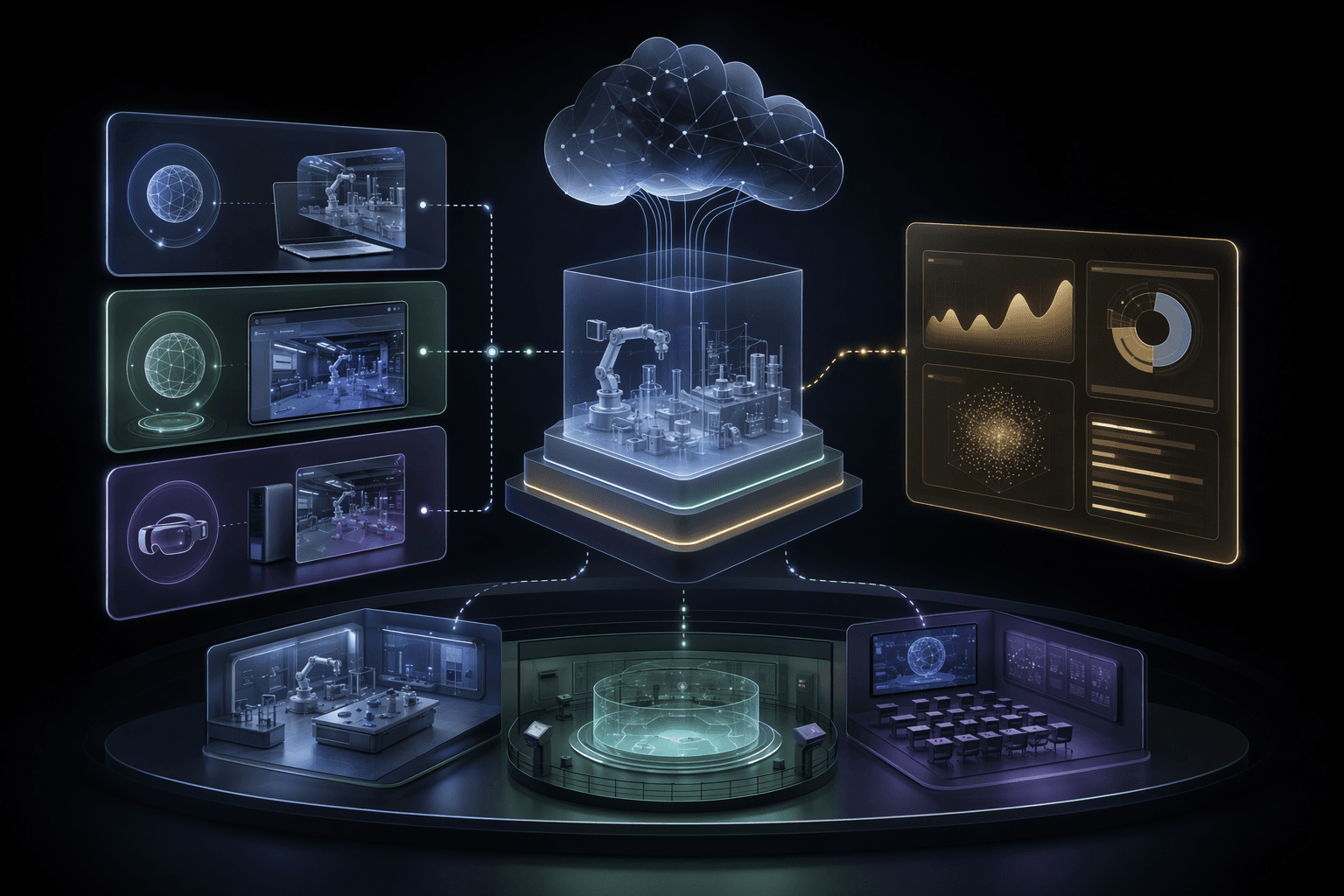
Web
maximum reach
WebXR and browser-based experiences reduce install friction for many audiences.
Unity
cross-platform build
Unity can support richer scenes and multiple deployment targets with tradeoffs.
Native
device depth
Native apps can access stronger performance and device-specific capabilities.
Core idea
Choose the XR stack that matches access and experience requirements, then design within its constraints.
Service
XR Training Simulations
VR, MR, and immersive training systems for education, employee engagement, and simulated practice.
OpenCase study
Enterprise Metaverse Platform
A web, mobile, and VR platform case study for persistent immersive spaces and multiplayer interaction.
OpenCase study
Mixed Reality Engineering Labs
An immersive engineering education case study focused on MR lab experiences.
OpenAccess
Browser reach and install friction often decide adoption.
3 access choices
Fidelity
Interaction complexity, graphics, and performance narrow stack options.
4 fidelity checks
Maintenance
Updates, device support, app stores, and analytics affect long-term cost.
4 maintenance checks
Planning Decisions
When to Choose Each XR Stack
A stack is a product decision. The best choice is the one that supports the rollout model.
Choose WebXR for low-friction reach
Decision
WebXR is useful when users need quick access through browsers and the experience can fit browser constraints.
Why it matters
Install friction can kill adoption for public demos, lightweight training, or distributed audiences.
Practical move
Use WebXR when reach matters more than maximum fidelity or deep device control.
Choose Unity WebGL for rich web 3D with tradeoffs
Decision
Unity WebGL can bring more complex interactive 3D to browsers, but load time, memory, and mobile behavior need attention.
Why it matters
A rich experience that takes too long to load may fail before users engage.
Practical move
Prototype performance early on target devices and design asset budgets carefully.
Choose native VR for high-fidelity device control
Decision
Native apps fit deep training, complex interaction, hardware features, and high-performance simulations.
Why it matters
Some training and simulation goals require capabilities that web deployment cannot reliably provide.
Practical move
Use native when the value justifies device setup, app distribution, and maintenance overhead.
Operating Model
XR Stack Selection Model
The stack decision should come from constraints the team can name.
Audience and access
Define who uses the experience, where they use it, and what devices they have.
Where it helps
Prevents the team from choosing a stack the audience cannot adopt.
Experience requirements
Identify fidelity, interaction, multiplayer, tracking, and analytics needs.
Where it helps
Separates must-have capabilities from visual preferences.
Prototype on target devices
Test performance, load time, comfort, input, and browser or headset behavior.
Where it helps
Finds stack constraints before full production.
Deployment and maintenance plan
Define updates, distribution, analytics, content changes, and support ownership.
Where it helps
Keeps the XR product maintainable after launch.
Practical Checklist
XR Stack Checklist
Use this before committing to a platform path.
Keep this in mind
There is no universally best XR stack.
There is only the stack that fits the audience, experience, and operating model you need to support.
Work With MythyaVerse
Planning an immersive training system with real rollout constraints?
We help teams design VR, MR, and WebXR experiences around learning goals, hardware realities, repeatable practice, and measurable adoption.
Continue Reading
Related articles
VR Training Simulation Development: A Practical Guide
A VR training simulation succeeds when the scenario, practice loop, device plan, and rollout model are designed around the learner's job.
Mixed Reality Labs for Engineering Education
Mixed reality labs work when they make abstract engineering concepts spatial, interactive, and repeatable without replacing instructor judgment.
XR for Employee Training and Engagement
XR employee programs work when they give teams a reason to practice, collaborate, or engage in ways ordinary screens cannot support well.